Bolt.new Review: Build Web Apps by Describing Them
Bolt.new Review: Build Web Apps by Describing Them
Quick Verdict: Bolt.new is the fastest way to go from idea to working prototype. Just don’t expect production-ready code.
🔗 Official site: Bolt.new
What is Bolt.new?
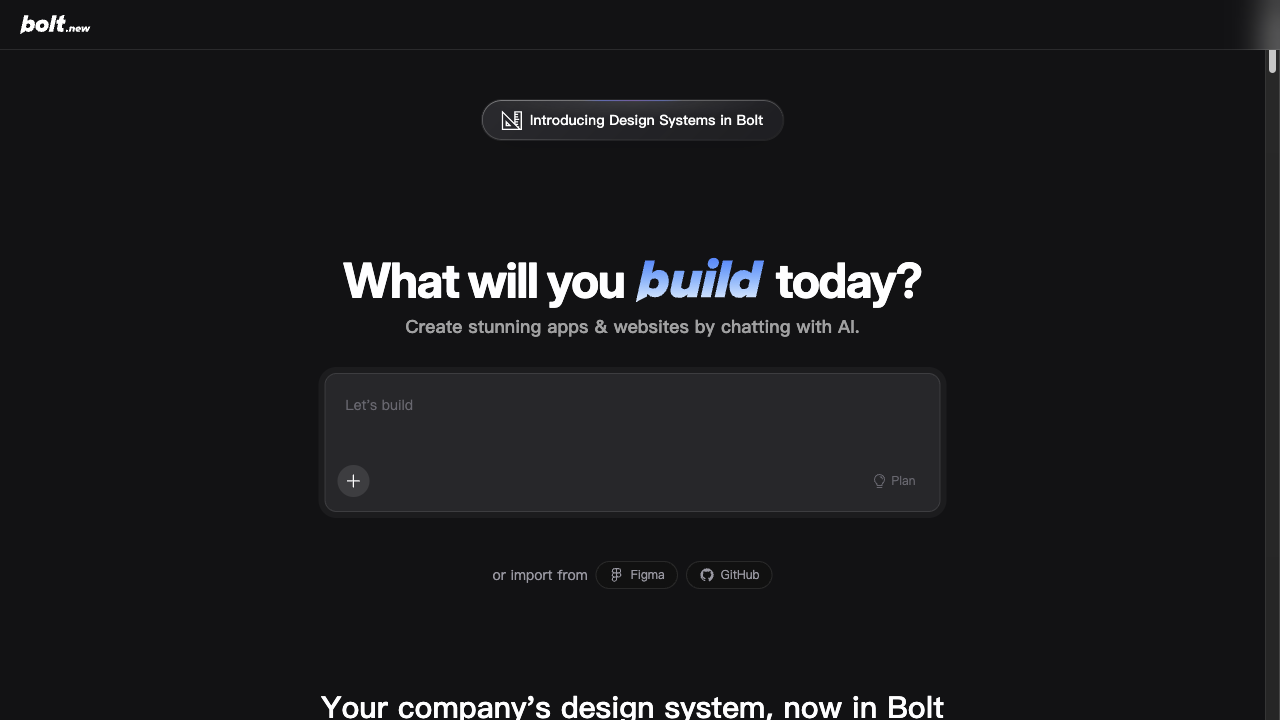
Bolt.new is a browser-based AI app builder by StackBlitz. You describe what you want in plain English, and it generates a full-stack web app — frontend, backend, database, the works. It runs entirely in your browser using WebContainers, so there’s nothing to install.
The pitch: “Talk to AI, get an app.” For solopreneurs who have ideas but don’t want to spend weeks on boilerplate, this sounds like magic.
How I Used It
I tried building three things:
- A simple landing page with a waitlist signup form
- A dashboard that displays mock data with charts
- A basic CRUD app for tracking freelance invoices
The landing page took about 5 minutes and looked professional out of the box. The dashboard needed some prompt refinement but got there in 15 minutes. The invoice tracker took about 30 minutes with several iterations to fix bugs and add features.
My workflow: describe what I want, preview the result, describe what’s wrong, repeat. It’s like pair programming with someone who codes fast but needs very specific instructions.
What I Liked
- Incredible for prototyping. Going from “I have an idea” to “here’s a working demo” in minutes is genuinely transformative. For validating ideas, this is gold.
- No setup required. Everything runs in the browser. No Node.js versions, no dependency hell, no “works on my machine.” Open the tab and start building.
- Full-stack out of the box. It handles frontend, backend, and even basic database stuff. You’re not just getting HTML — you get a real app.
- Code is exportable. You own the code. Download it, deploy it elsewhere, continue development in your own editor. No lock-in.
- Good for non-coders. If you can write a clear English description, you can build something. The barrier to entry is extremely low.
What Could Be Better
- Code quality is messy. The generated code works but it’s not clean. Lots of inline styles, inconsistent patterns, and minimal error handling. Fine for a prototype, painful to maintain.
- Complex logic breaks things. The more specific your requirements, the more likely Bolt gets confused. State management, complex forms, and edge cases need manual fixes.
- No version control integration. You can export code but there’s no Git integration in the tool itself. If you want to iterate, you’re doing it in Bolt’s editor.
- Billing can surprise you. Token usage adds up fast on complex projects. A few iterations on a moderately complex app can burn through your monthly allowance quickly.
Pricing
| Plan | Price | What You Get |
|---|---|---|
| Free | $0 | Limited daily tokens |
| Pro | $20/mo | More tokens, priority access |
| Team | $40/mo/seat | Team features |
For a solopreneur, the free tier is good for experimenting. If you’re actively prototyping ideas, Pro at $20/mo makes sense — think of it as paying $20 to validate a business idea in an afternoon instead of a month.
Who Should Use This
If you’re a solopreneur who needs to validate ideas fast, Bolt.new is a game-changer. Build an MVP in an afternoon, show it to potential customers, get feedback, iterate. The speed-to-prototype ratio is unmatched.
Also great if you’re a designer who wants to ship functional prototypes instead of static mockups.
Not recommended for building production apps you plan to maintain long-term. The code needs significant cleanup. Use Bolt to prototype, then rebuild properly if the idea proves viable.
The Bottom Line
Bolt.new is a speed tool. It takes you from “I have an idea” to “I have a working prototype” in minutes, not weeks. For a solopreneur validating business concepts, that speed is invaluable.
But it’s not a production tool. You’ll rebuild anything serious with proper frameworks. Think of Bolt.new as a disposable prototype generator — brilliant at that, limited beyond it.
Rating: 7/10 — Fastest way to prototype ideas. Not ready for production, but that’s not the point.
Try Bolt.new free at bolt.new. No signup required to start building.
Alternatives
- Lovable: Similar concept, slightly different UI approach. Worth trying both to see which understands your prompts better.
- v0 by Vercel: Focused on UI components. Less full-stack but cleaner output. Good if you mainly need frontend.
- Replit Agent: More developer-oriented, better code quality, but steeper learning curve.
📬 Get honest AI tool reviews in your inbox
No spam. No sponsored fluff. Just real tool reviews for solopreneurs.